Who's on
Never wonder who's covering today.
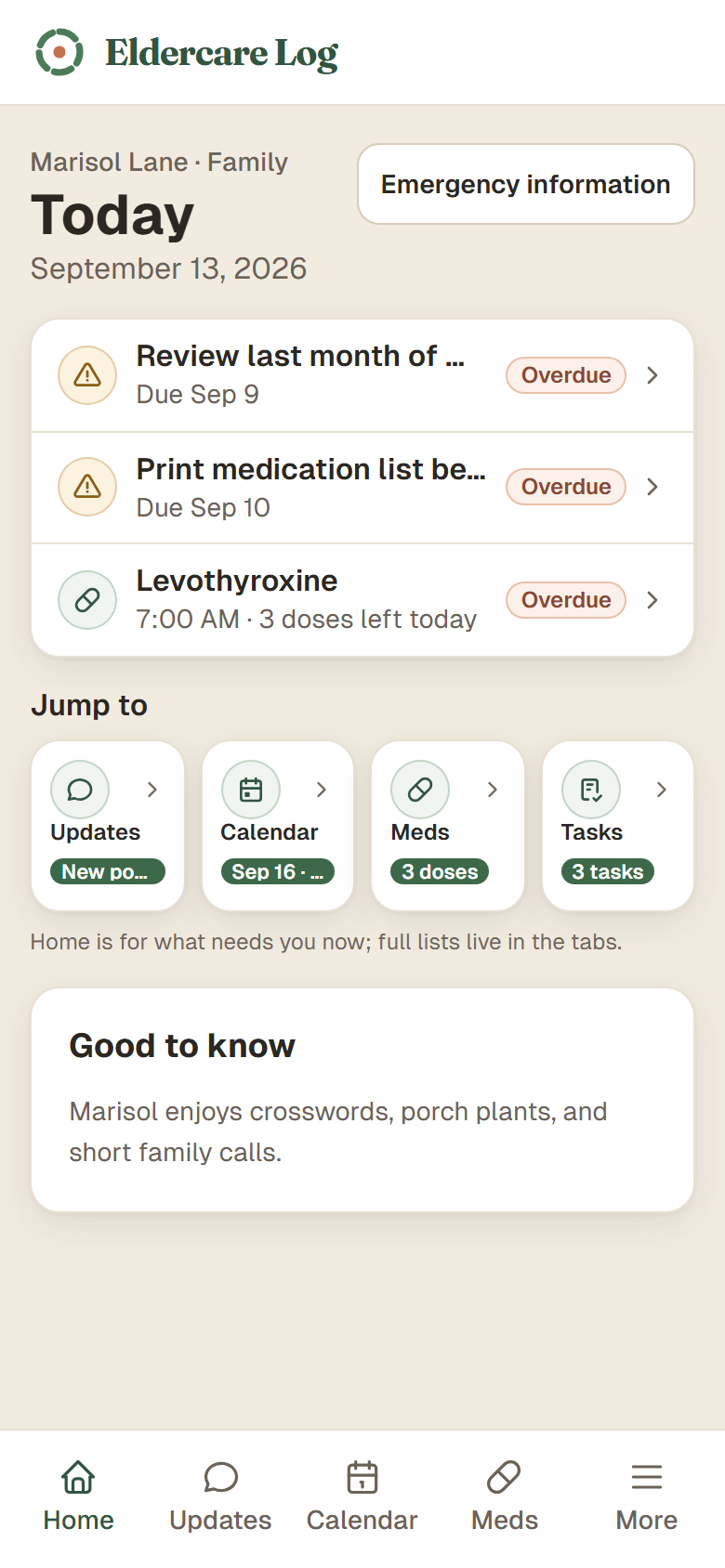
See today and tomorrow at a glance, then plan recurring coverage so family, friends, and paid helpers know where they fit.
One private place for the medication list, appointments, who’s covering which day, and what the doctor said. Everyone you invite sees the same thing, so nobody has to ask twice.
$0 today · $12.99 a month for the whole family
First days after a hospital or care facility transition?
Get the free First Week checklistFamily coordination
Who's on
See today and tomorrow at a glance, then plan recurring coverage so family, friends, and paid helpers know where they fit.
Shared log
Medication notes, appointments, observations, meals, tasks, and family updates stay in one private place instead of scattered texts.
Invite when ready
Start on your own and the record is still yours. Invite siblings, helpers, or a paid aide whenever you want them on the same page.
What you can do
Medications
Keep names, doses, and timing in one place so the next form or phone call does not start from memory.
Appointments
See what is coming up and who to call without digging through texts, fridge notes, or a pile of cards.
Tasks
Assign a phone call, an errand, or paperwork to anyone helping with care. Everyone sees who’s on it.
Founder
Shawn Robison and his two brothers cared for their dad through a few months of hospital stays, appointments and close to a dozen daily medications. They tried everything: “Text messages. Spreadsheets and a shared Apple calendar.” They printed a medication sheet for the refrigerator. They still needed a call every Sunday to sort out who would be there. What they did have was a running record of what each doctor said. When a case manager walked in with the wrong picture, that record changed the plan. That record let them advocate for their dad. Eldercare Log is that record, built so the whole family can see it.
“It won’t make it easy… my goal with this is to try to help lighten the mental load just a little bit.”
Shawn, Founder
Ready when you are
How it works
Start with the person at the center of care, their timezone, and the people who help.
Track medications, appointments, coverage, notes, documents, and decisions as life changes.
Give each helper the right role and permissions, so nobody has to explain it all again.
How billing works
Start by creating your first care circle for the person you are helping. The Stripe checkout step starts a 7-day free trial with a card on file.
Cancel before the trial ends to avoid the first charge, or continue at $12.99/month per private care circle.
Monthly plan
per private care circle
Secure checkout handled by Stripe.
Start free for 7 daysQuestions before you start